PM Tool
If you work in construction or civil engineering, you know the importance of the historical data and project management templates. It’s that feeling you get when you realize you have five different reports to finish, three S-curves to update, and a dozen messy site notes to turn into a professional PDF before every meeting.
So to avoid these situations and to maintain the proper templates in simple format i have created “Project management template Tool” to make the project lifecycle documentation and reporting easy.
That’s exactly why I built the PM Template Tool. I wanted to create a space where the math is done for you, the charts look professional instantly, and you can get back to what actually finishing your project on time.
Why this is different from a “Standard Template”
Most templates you find online are just blank Word documents. They don’t do anything. This tool is “alive.”
Instead of just typing in a box, the system actually thinks with you. For example:
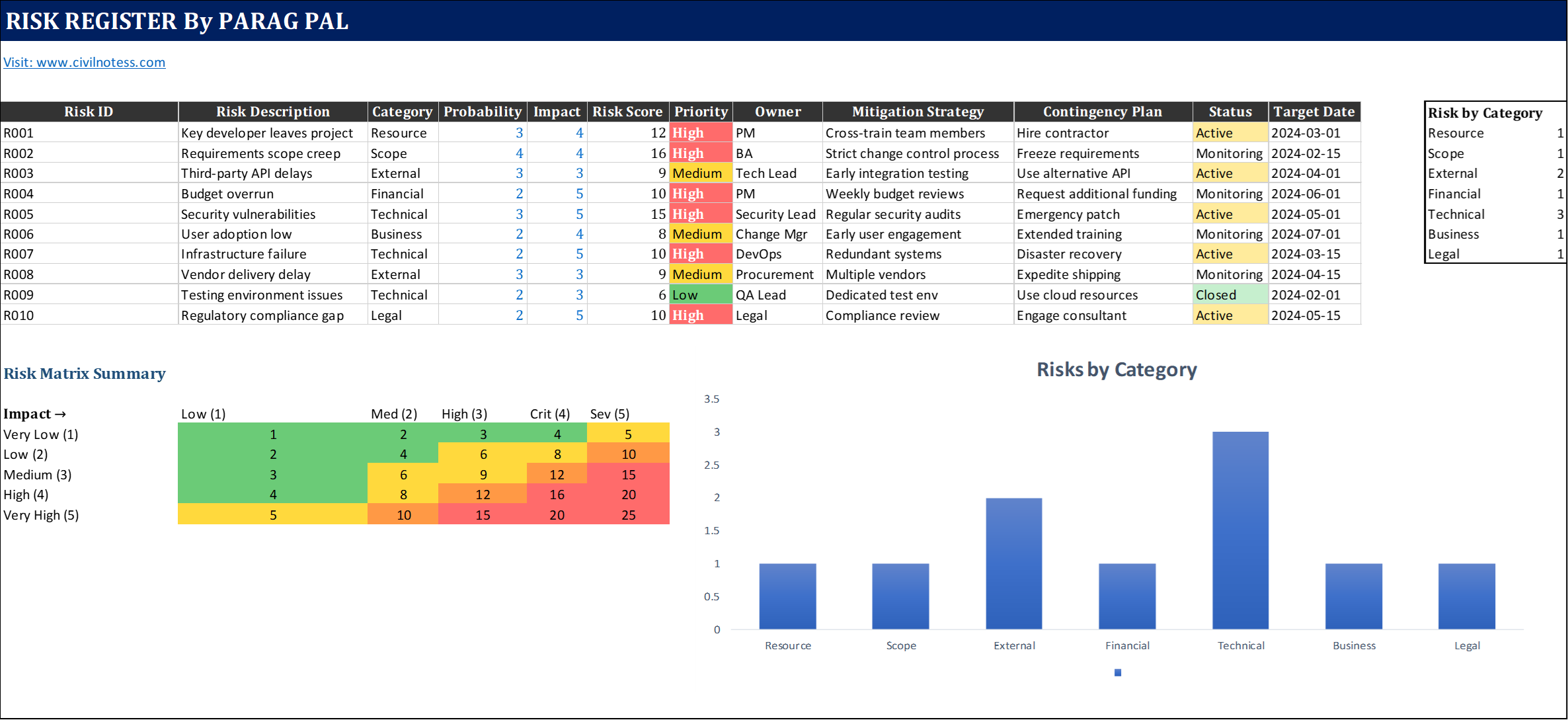
- The Risk Matrix: You don’t have to guess if a risk is “High” or “Medium.” You enter the numbers, and the tool builds a live color-coded heat map for you.
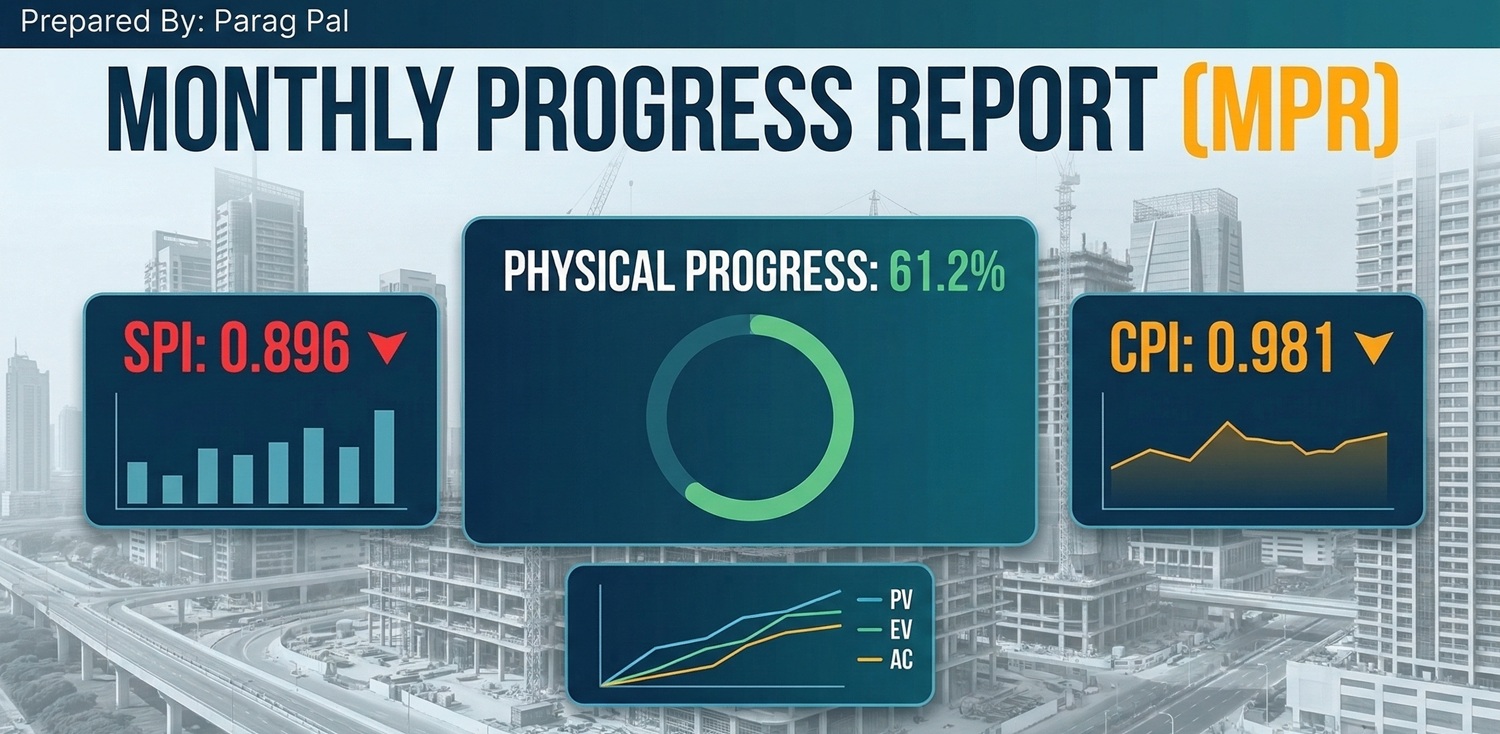
- The S-Curve: Forget trying to make charts in Excel. Input your Earned Value data, and the tool draws your S-Curve and Trend lines automatically.
- The Critical Path: If you’ve ever struggled to find your “Critical Path” on a complex schedule, PM template as it shows you exactly which tasks are holding up your finish date.
Everything you need, in one tab
I’ve packed this suite with every document I’ve ever needed on a job site:
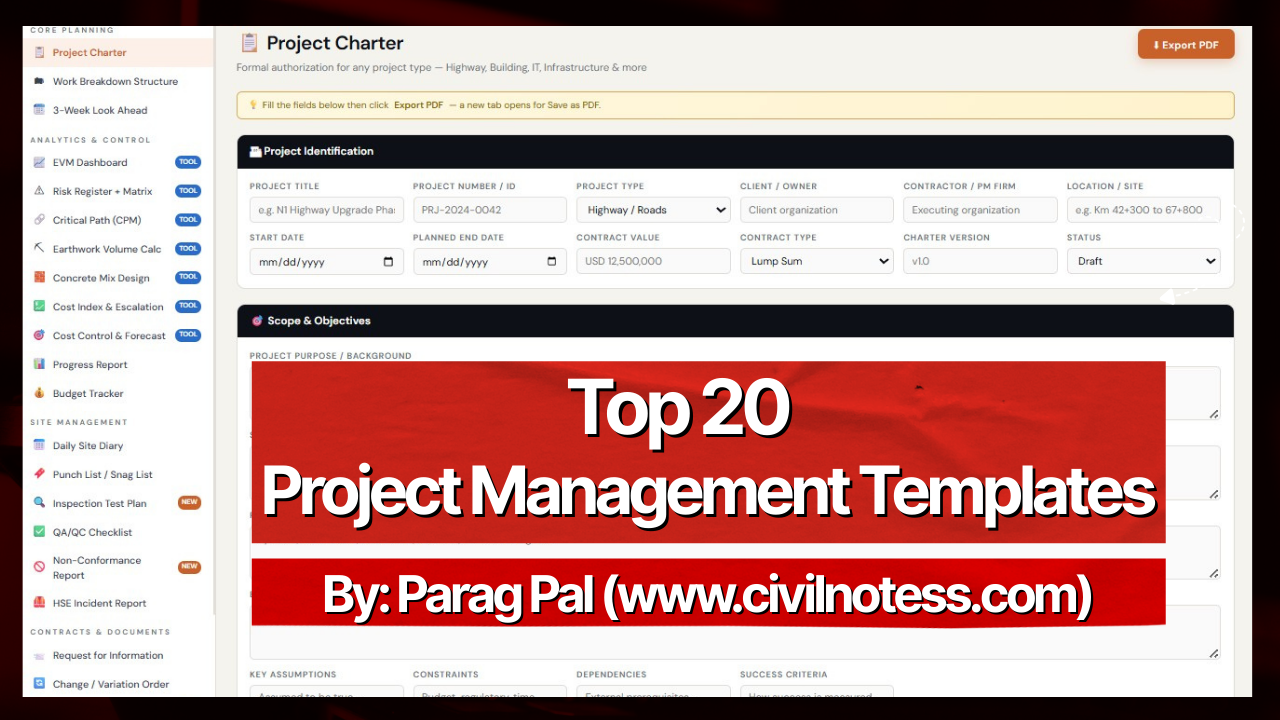
- For the Planners: Project Charters, WBS, and 3-Week Look Aheads.
- For the Site Teams: Daily Site Diaries, HSE reports, and Punch Lists.
- For the Quality Guys: ITPs (Inspection Test Plans) and NCR trackers.
- For the Numbers People: Budget trackers, Cost Index calculators, and Concrete Mix Design tools.
How it works (It’s really simple)
I designed this to be “frictionless.” There is no software to install and no account to create.
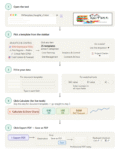
- Step 1: Pick your template from the sidebar.
- Step 2: Fill in your project details.
- Step 3: For the analytics tools, hit the “Calculate” button to watch your charts appear.
- Step 4: Click “Export PDF” and you’re done. You have a professional, clean report ready for your client or boss.
Let’s make site life easier
My goal with civilnotess.com has always been to share knowledge that makes our lives as engineers and Project management easier. This tool is a big part of that. It’s built by Parag Pal.
I want you to spend less time staring at a computer screen and more time on analysis, making things happen.
Step By Step Process to use Project Management Template
Give it a try today and let me know what you think!
⚠️ Proprietary Tool Notice
This Project Management Tool is exclusively developed by Parag Pal of www.civilnotess.com. The logic, formatting, and proprietary reporting structure are the intellectual property of CivilNotes.
- Strict Prohibition: Use of this tool, its underlying logic, or its specific reporting format on any other website, application, or commercial platform is strictly prohibited.
- Usage Terms: The reports generated are for personal use and educational purposes only and are not intended for official contractual or legal documentation. The report generated from this tool use for personal use not for any official usage.